Create keyword-rich, user-friendly glossary pages that improve search rankings and provide valuable insights to your visitors.

Megha Goel | Last updated: January 13, 2025
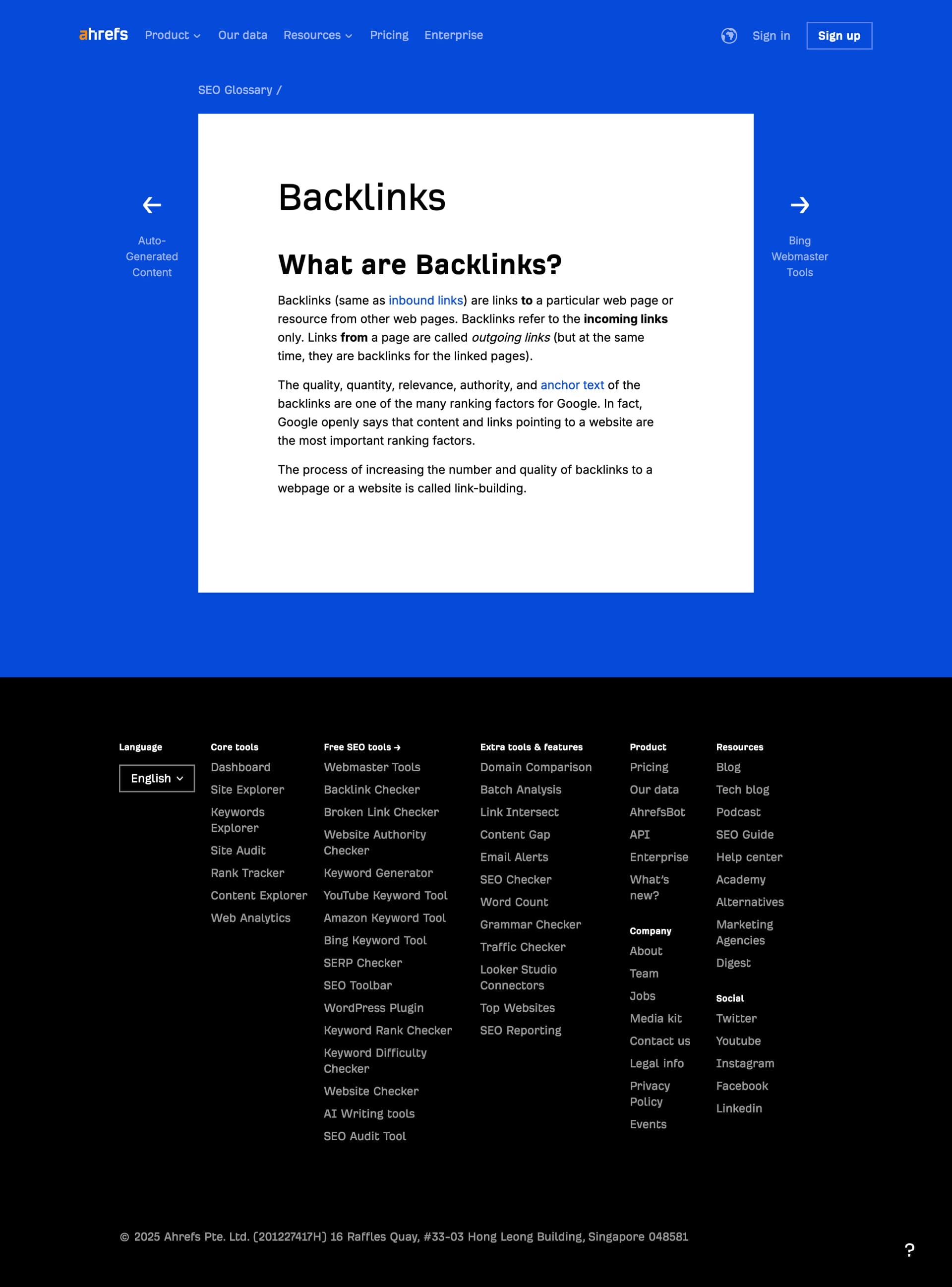
A glossary page is a dedicated webpage that defines industry-specific terms, concepts, or jargon to educate your audience. These pages provide concise, SEO-friendly explanations to help users quickly understand technical or complex terms.
For example, a digital marketing agency might create glossary entries for terms like 'SEO,' 'PPC,' and 'Content Marketing' to attract search traffic and establish authority.
Glossary pages are vital for improving SEO and building trust with your audience.
Here’s why they matter:
• Capture Informational Search Traffic: Users often search for definitions, making glossary pages an excellent way to attract new visitors.
• Establish Authority: Providing clear, reliable definitions positions your brand as an expert in your industry.
• Improve User Engagement: Glossary pages help users understand key concepts, keeping them on your site longer and improving the user experience.
Optimized glossary pages can drive consistent organic traffic while enhancing your site’s credibility.
SEOmatic simplifies the creation and optimization of glossary pages, helping you build a comprehensive resource library without breaking a sweat.
Here’s how:
• Keyword Research Tools: Identify high-volume terms to target in your glossary, ensuring your pages attract the right audience.
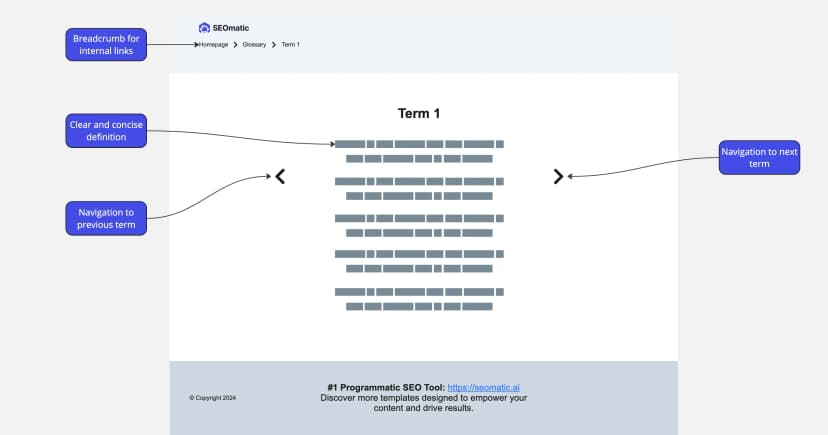
• Pre-Built Glossary Templates: Use our professionally designed templates to structure and present your definitions clearly and effectively.
• Internal Linking Automation: Automatically link glossary terms across your site to improve navigation and SEO.
• SEO Best Practices Built In: Optimize glossary entries with metadata, structured data, and keyword-rich content for better search rankings.
With SEOmatic, creating glossary pages that rank, engage, and educate has never been easier.
Table of Contents
Megha Goel
B2B Content Writer
Megha Goel is our Content Marketer at SEOmatic, combining her technical background as a former software engineer with her talent for creating clear, engaging content.

Steal our tested Glossary Page Template to organize and define key terms.
Real results from teams generating and publishing high-volume pages — without increasing headcount.
Will Hawkins
Marketing Director @Digi-Business UK
Nick Berns
Agency Owner @BlueLightWeb
Milan Motavar
Product Manager @Mastercard
Ben Farley
SaaS Founder @Salespitch
Tom Baker
CEO @Solarmate
Joseph Lee
CEO @Supademo
Swarnendu Mandal
Head of Growth @Hoichoi TV
Lauren Wong
Chief of Staff & Operations @Arphie AI
Aaron Van Beilen
Registered Psychotherapist @Self-employed
What key elements should a glossary page include?
A glossary page should include a clear definition, relevant examples, and internal links to related content. Adding images, videos, or infographics can further enhance user understanding.
How can I optimize glossary pages for SEO?
Use target keywords in the title, headings, and meta descriptions. Implement structured data like FAQ schema and ensure each page is interlinked with other relevant pages to improve site navigation and rankings.
How do glossary pages drive traffic and engagement?
Glossary pages capture search traffic for informational queries and keep users engaged by providing concise, valuable explanations. They often serve as entry points, leading users to explore more of your content.
Today, I used SEOmatic for the first time.
It was user-friendly and efficiently generated 75 unique web pages using keywords and pre-written excerpts.
Total time cost for research & publishing was ≈ 3h (Instead of ≈12h)
Ben Farley
SaaS Founder, Salespitch
Add 10 pages. 1,000 pages. Or more. Stop letting manual production limit your growth.
14-Day Free Trial. No Credit Card Required.