

Ghost
Agents write and refresh your posts, and set the canonical tags and schema most platforms will not let them touch. You decide what goes live.
Agents write new documents and improve the ones you already published. Sanity accepts almost any key you send it, so agents check your document's real shape first rather than guessing at field names.


SEOmatic connects to your Sanity project with an API token. Agents write new documents and improve existing ones, resolving where your titles and meta actually live in the same query that finds the document.
All integrations are included in every paid plan. Plans start at $99/month, with a 14-Day Trial for $1, credited to your first payment. The Free plan covers Search Console insights but does not change your site. See pricing.
A Sanity project and dataset, plus an API token with Editor permissions or higher, created under API > Tokens in manage.sanity.io. You will also need your Project ID and dataset name, usually production.
Visit our blog to learn more about programmatic SEO and how it can help your business generate more traffic, leads, and sales.
SEOmatic connects to your Sanity project through the Content Lake API, then works on the documents you already have.
Step 1: Go to manage.sanity.io, open your project, and under API > Tokens add a token with Editor permissions or higher.
Step 2: In SEOmatic, go to Connections and select Sanity. Paste the token along with your Project ID and dataset, then pick the document type to work in.
Step 3: Agents read your Search Console data, find what is holding those documents back, and propose the changes with the reasoning attached.
Step 4: You approve what you want. Approved work is patched into your dataset, logged as a diff you can read, and undone in one click if you change your mind.
New documents written from research, plus rewrites of the title, slug and meta on ones already published.
Agents resolve where your meta and body actually live in the same query that finds the document, so nothing is guessed.
Sanity accepts any key you send, and a guessed name would create a field nothing renders. Canonical and noindex are only ever written to a field your document already has.
The agent arrives switched off. Once on, it ships undoable fixes by itself and waits for you on anything larger, unless you choose Approval mode, where every change waits.
A before and after view with the reasoning attached, so you see what changed and why.
Any edit to an existing page rolls back to its previous value. Low-risk edits that cost you traffic revert on their own.
Meta is patched at its exact path, so updating a title leaves the description and everything beside it intact.
Sanity keeps drafts as separate documents. Agents respect that split rather than pushing work live by accident.
Everything goes through the Content Lake, so whatever renders your content keeps rendering it the same way.
Sanity's schema lives in your Studio, not in the API, so a write to a guessed field name succeeds and quietly creates an orphan nothing renders. Agents resolve the document's real shape before they write.
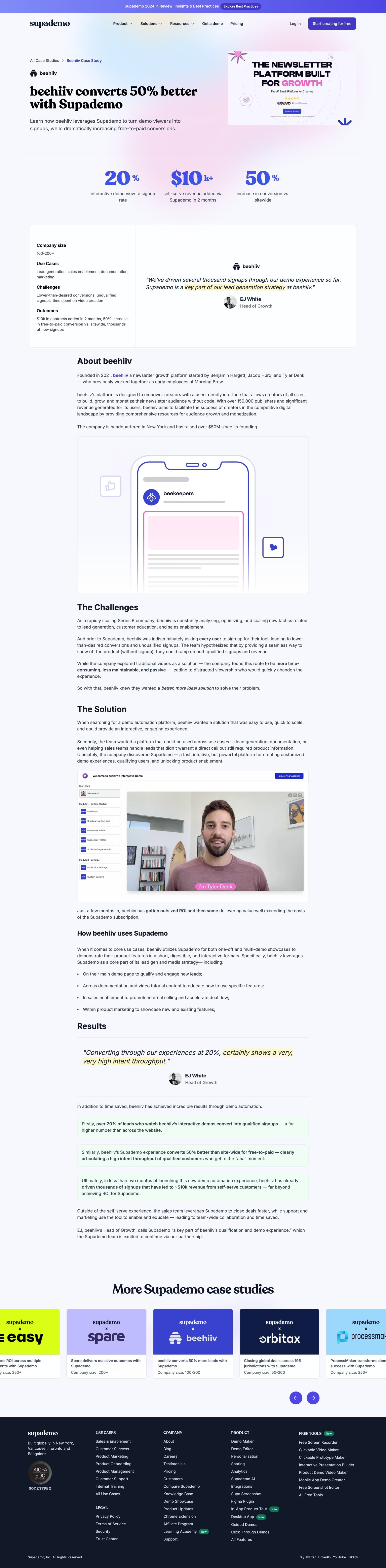
Case studies are the pages buyers read last and teams write least. Agents draft them into your document type, then keep the titles and meta sharp as the ones that rank start to slip.
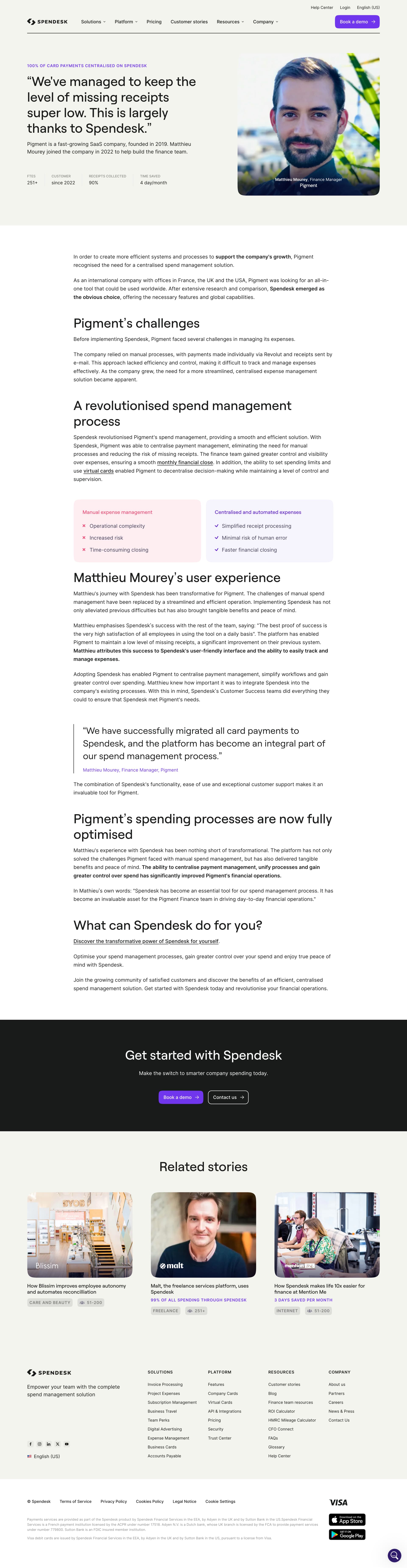
Customer stories build the trust that turns a visit into a conversation. Agents write them into your dataset and revisit the ones losing ground, so a page from two years ago is not still working against you.
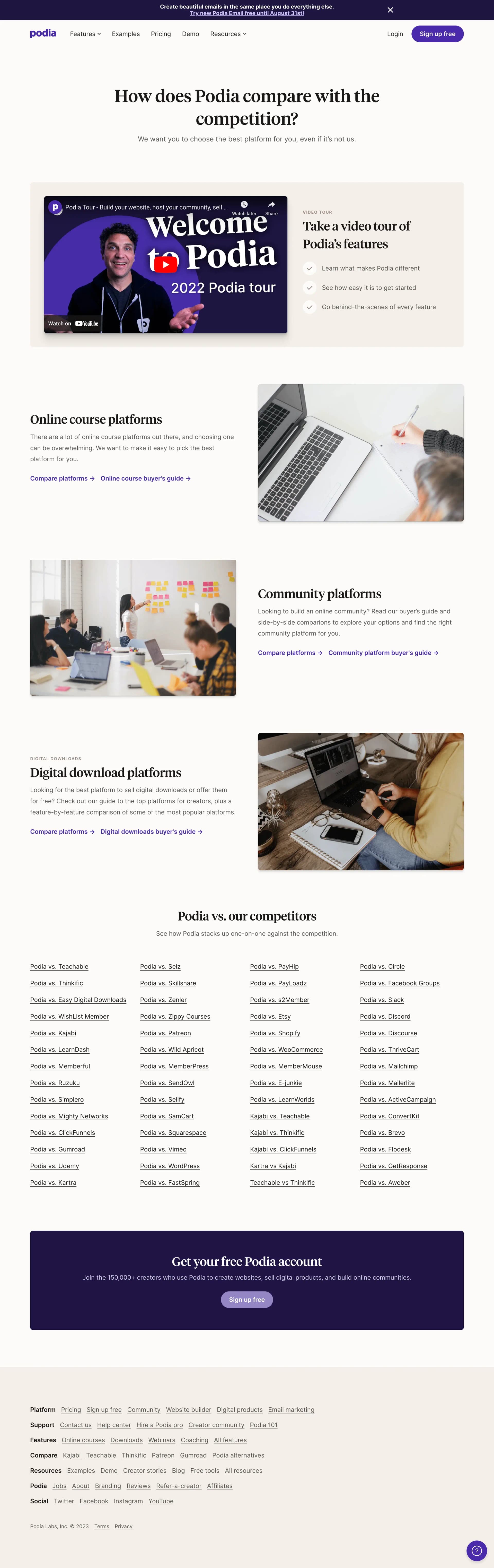
Comparison pages catch people close to deciding. Agents write them into your document type and revisit them as the competitive picture shifts, so the page stays accurate instead of ageing badly.
How does it know where my meta lives?
It looks. Sanity has no fixed field names, so agents resolve your document's real shape in the same query that finds the document: whether meta sits in a seo object or at the top level, and which key holds the body. The change is then written exactly there, which is why your template renders it instead of a stray field nobody reads.
Could it create a field my schema does not have?
This is the failure mode worth knowing about on Sanity, and the answer is no. Your schema lives in your Studio, not in the API, so the mutation API accepts any key you send and returns a success. A tool that guesses at field names silently creates orphan attributes nothing renders, and it looks fine because reading them back returns what was written. Agents write only into keys the document already has.
Will updating a title clear the fields next to it?
No. Meta is patched at its exact path, so setting a meta title touches only that key and leaves the description, canonical and anything else in the same object untouched.
Can agents rewrite the body of a document?
On new documents, yes: the article is converted into Portable Text, Sanity's structured rich-text format. On documents you already published, agents do not rewrite the body; the rewrite comes to you as text to paste, so your existing blocks are never flattened. Titles, slugs and meta work regardless.
Can agents set canonical tags, noindex or schema markup?
Canonical and noindex, yes, when your documents already have a field for them: agents write to that exact field and never invent one. Your front end still decides how they render. Schema markup is not written; when a fix needs it, the agent writes the exact change and hands it to you. Without a canonical or noindex field, those come to you the same way.
Does the change show up on my live site straight away?
That depends on your front end. Sanity is headless, so the document updates immediately and your site reflects it on its next build or revalidation. If your site is statically generated, the change is live in Sanity before a visitor sees it.
What if the agent makes a change I do not like?
Every edit stores the previous values before it writes, so a change goes back to what it was in one click. Choose Approval mode and you see each change before it is applied; in Assisted, the default, undoable fixes ship on their own with one-click undo, and documents you mark as protected keep waiting for your yes. One honest limit: restoring a field that was previously empty is handed to you rather than applied automatically, because an empty value is treated as leave alone rather than clear.
What happens to the work if I cancel?
It stays yours. Agents write into your own Sanity dataset, so the documents and edits are simply part of it. Nothing reverts or disappears if you stop paying.
See what the agent would work on first. We ask AI search the questions your buyers ask, then show where you show up, who shows up instead, and what to fix first.
Free. No signup. Takes about a minute.
See what agents can do on the other platforms SEOmatic connects to.
Agents write and refresh your posts, and set the canonical tags and schema most platforms will not let them touch. You decide what goes live.

Agents write and improve the entries in your Contentful space, meta fields included. You decide what goes live.

Agents write and improve the entries in your Strapi collections, without disturbing the fields they were not asked to touch. You decide what goes live.

Agents fix titles, meta, content and schema on your live WordPress site. You stay in control. Every change to an existing page keeps a copy of the original, and one click puts it back.

Agents work through your CMS collections item by item, fixing the SEO nobody has time to maintain. You stay in control.

Agents write your blog, build the collection and landing pages you are missing, and repair the pages that are slipping. You decide what goes live.

Each local area page used to take us half a day to create and optimize.
With SEOmatic, we can create hundreds of pages in the same time, which helps our clients make the best use of their budget.
It's transformed how we deliver scalable SEO solutions.

Will Hawkins
Marketing Director, Digi-Business UK
Agents read your Search Console data, do the work, and prove what actually moved. You decide what ships.
14-Day Trial for $1, credited to your first payment.