


WordPress
Agents fix titles, meta, content and schema on your live WordPress site. You stay in control. Every change to an existing page keeps a copy of the original, and one click puts it back.

Each local area page used to take us half a day to create and optimize.
With SEOmatic, we can create hundreds of pages in the same time, which helps our clients make the best use of their budget.
It's transformed how we deliver scalable SEO solutions.

Will Hawkins
Marketing Director, Digi-Business UK
Agents read your Search Console data, do the work, and prove what actually moved. You decide what ships.
14-Day Free Trial. $1 today, credited to your first payment.
Blogger has run quietly for twenty years while the tooling around it moved on. Agents bring the missing half: they read your Search Console data, write and refresh your posts, and are honest about the few things Blogger's API will not let anyone touch. You approve the work before it ships.

SEOmatic connects to Blogger through Google's own Blogger API, authorized with your Google account. Agents write new posts and pages, refresh the ones you already published, and manage drafts, on blogspot.com addresses and custom domains alike.
All integrations are included in every plan. Plans start at $99/month. See pricing.
A Blogger blog, on a blogspot.com address or a custom domain, owned by the Google account you connect with. No API key, no plugin, nothing to install.
Visit our blog to learn more about programmatic SEO and how it can help your business generate more traffic, leads, and sales.
Blogger is the rare platform where connecting really is one click, because the authorization is Google's own.
Step 1: In SEOmatic, go to Connections, select Blogger, and click Connect with Google.
Step 2: Sign in with the Google account that owns your blog and approve access. SEOmatic picks the blog that matches your workspace's site automatically. There is no collection or content type to choose.
Step 3: Agents read your Search Console data, find what is holding your posts back, and propose the fixes with the reasoning attached.
Step 4: You approve what you want. Approved work is written to your blog, logged as a diff you can read, and undone in one click if you change your mind.
Full articles from research to finished draft, plus rewrites and content refreshes on posts and pages already published.
Internal links, FAQ blocks, heading fixes, broken-link repairs and freshness updates are all edits to the post body, so they need no theme changes and go live as soon as you approve them.
New posts can arrive as drafts for you to publish, labels are set on the way in, and publishing a draft later is one click.
Blogger's API exposes no meta description, canonical, robots or schema fields, for anyone. Agents never pretend otherwise: work that needs those arrives as a prepared change for you to apply in Blogger's own settings, and is never claimed as applied.
The agent arrives switched off and starts in approval mode. It acts on its own only where you allow it.
A before and after view with the reasoning attached, so you see what changed and why.
Any change rolls back to its exact previous value. Low-risk edits that cost you traffic revert on their own.
Blogger derives post URLs from titles at publish time and the API cannot change them afterwards, so an agent edit can never move or break an existing URL.
Blogger gives you free hosting on Google's infrastructure and then leaves you alone. Nothing tells you which posts are slipping, rewrites them, or links them together. That is the part agents take over, and they are upfront about the parts Blogger's API keeps off limits for everyone.
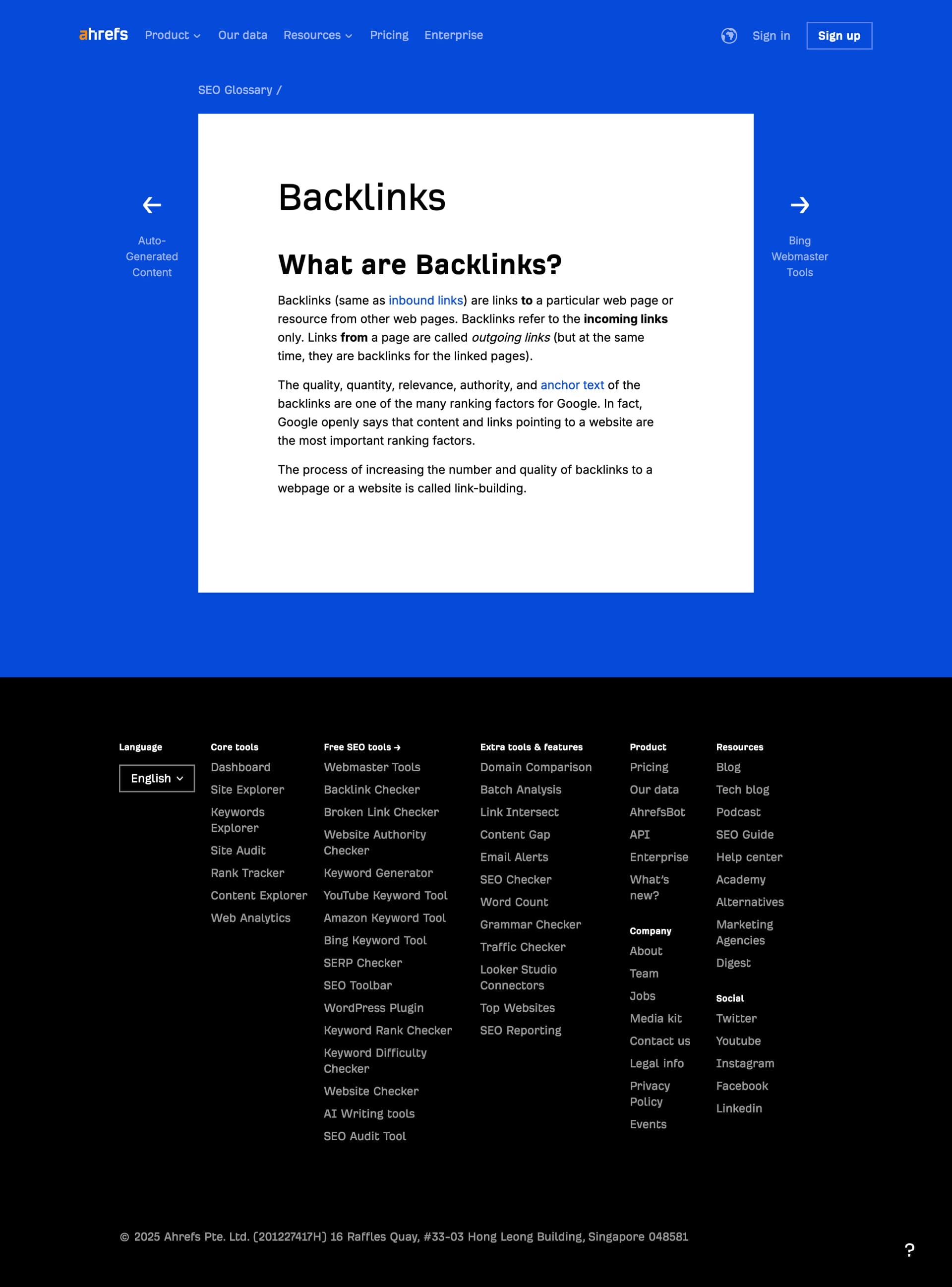
Every term your readers look up is a post you do not have yet. Agents check which ones people actually search for, write the definitions, and link them into the posts you already published so the whole set pulls together.
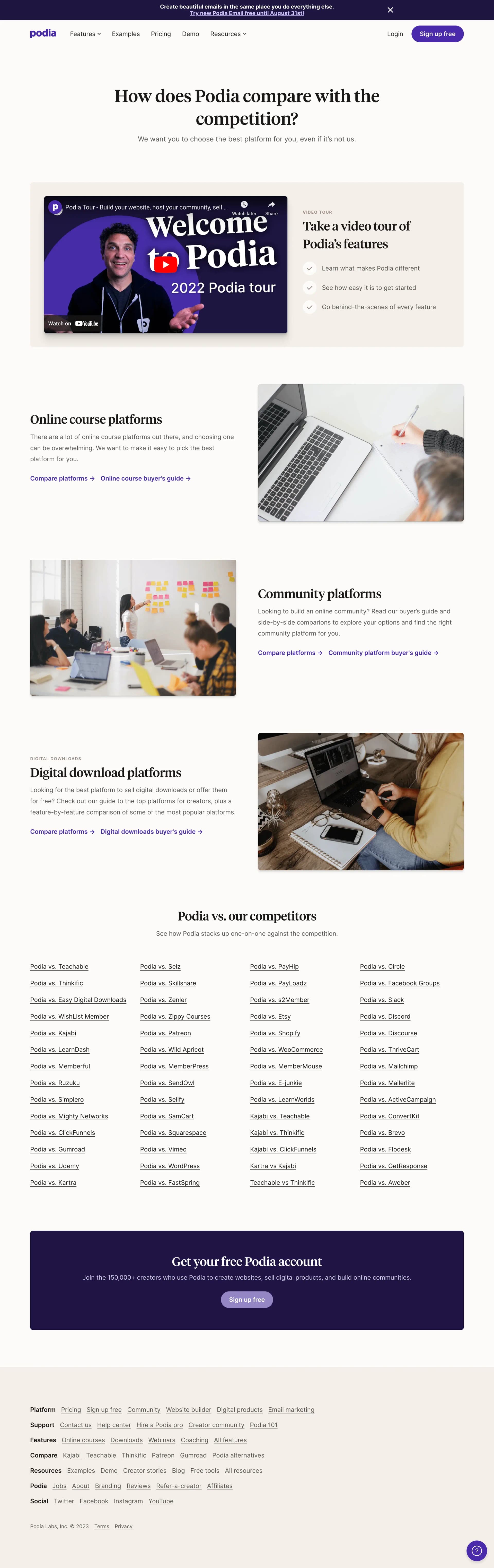
Comparison and alternative pages catch people close to deciding. Agents write them against real search demand and propose a rewrite when a rival overtakes you on the query.

Resource and template pages bring in people long before they are ready to buy. Agents build them against real search demand, then keep an eye on how each one performs and refresh the ones that start slipping.
What can agents actually do on my Blogger blog?
They write new posts and pages from research through to a finished draft with labels, and they maintain what you already published: refreshing stale content, fixing headings, adding internal links, repairing broken links and rewriting posts that are slipping. Everything lands through Google's own Blogger API into your blog.
Can agents set meta descriptions, canonical tags or schema?
No, and neither can any other tool, whatever it claims. Blogger's API exposes no meta description, canonical, robots or schema fields at all. When a fix needs one of those, the agent prepares the exact change and hands it to you to apply in Blogger's own post settings, and it is never counted as applied work.
Will it change my post URLs?
It cannot. Blogger builds each post's URL from its title at publish time and the API has no way to change a URL afterwards. That cuts both ways: agents cannot tune your permalinks, and an agent edit can never move or break an existing URL.
I write on a team blog where I am an author, not an admin. Does it work?
Yes. Connect with your own Google account and the agents work with the posts you have access to. One nuance: Blogger only reports a post's live-versus-draft state to blog admins, so on rare occasions you may be asked to confirm in Blogger that a post ended up in the state you wanted.
What stops it doing the things other AI SEO tools get accused of?
Those complaints are specific, so the answers are too. It will not quietly rewrite posts you were happy with: you see the before and after and approve it. It cannot set your posts to noindex behind your back, because Blogger's API does not expose that for anyone. It will not strip anything if you disconnect, and disconnecting deletes the authorization SEOmatic stored. To remove the grant from your Google account as well, revoke it in your Google account's third-party access settings.
What if the agent makes a change I do not like?
Every edit stores the previous values before it writes, so a change goes back to what it was in one click. The agent starts in approval mode, so by default you see each change before it is applied, and posts you mark as protected keep waiting for your yes.
Do I need an API key or a plugin?
No. Blogger has no plugins and you never touch a key. You sign in with the Google account that owns your blog, approve access once, and SEOmatic picks the right blog automatically. Disconnecting deletes the stored authorization; you can also revoke the grant in your Google account settings.
What happens to the work if I cancel?
It stays yours. Agents publish into your own Blogger blog, so the posts and edits are simply part of it. Nothing reverts or disappears if you stop paying.
See what the agent would work on first. We ask AI search the questions your buyers ask, then show where you show up, who shows up instead, and what to fix first.
Free. No signup. Takes about a minute.
See what agents can do on the other platforms SEOmatic connects to.
Agents fix titles, meta, content and schema on your live WordPress site. You stay in control. Every change to an existing page keeps a copy of the original, and one click puts it back.

Agents write and improve your Drupal nodes: titles, body content, path aliases and, where your site runs Metatag, meta. You decide what goes live.

Agents write and improve your entries through Craft's GraphQL API, and leave your field layouts exactly as they are. You decide what goes live.

Agents work through your CMS collections item by item, fixing the SEO nobody has time to maintain. You stay in control.

Agents write your blog, build the collection and landing pages you are missing, and repair the pages that are slipping. You decide what goes live.

Agents write and refresh your posts, and set the canonical tags and schema most platforms will not let them touch. You decide what goes live.