


Shopify
Agents write your blog, build the collection and landing pages you are missing, and repair the pages that are slipping. You decide what goes live.

Each local area page used to take us half a day to create and optimize.
With SEOmatic, we can create hundreds of pages in the same time, which helps our clients make the best use of their budget.
It's transformed how we deliver scalable SEO solutions.

Will Hawkins
Marketing Director, Digi-Business UK
Agents read your Search Console data, do the work, and prove what actually moved. You decide what ships.
14-Day Trial for $1, credited to your first payment.
Loading thousands of SKUs that all share one default meta description is a real way to bury a catalogue. Agents write a distinct one for the pages and products that need it, fix the listings already slipping, and you choose what ships on its own and what waits for you.

SEOmatic connects to BigCommerce with a store API account. Agents write new web pages and blog posts, rewrite the ones you already have, improve the titles, descriptions and search listings of your products, and can generate product pages in bulk when you approve a campaign.
All integrations are included in every paid plan. Plans start at $99/month, with a 14-day trial (a card and a $1 fee, credited to your first payment). The Free plan covers Search Console insights but does not change your site. See pricing.
A BigCommerce store with owner or admin access. You create a store-level API account under Settings > API and grant it Content (modify), Products (modify) and Store Information (read-only). The access token is shown only once, so copy it before you close the dialog.
Visit our blog to learn more about programmatic SEO and how it can help your business generate more traffic, leads, and sales.
SEOmatic connects to your BigCommerce store through the API, then works on the pages and posts you already have.
Step 1: In your BigCommerce admin, go to Settings, then API, then Store-level API accounts, and create an account with Content and Products set to modify. Copy the access token, which is only shown once.
Step 2: In SEOmatic, go to Connections and select BigCommerce. Paste the token and your store hash, which is the identifier in your admin URL.
Step 3: Agents read your Search Console data, find the pages losing clicks they should be winning, and propose the fixes with the reasoning attached.
Step 4: You approve what you want. Approved work is written to your store, logged as a diff you can read, and undone in one click if you change your mind.
Web pages and blog posts, created new or rewritten in place: titles, body content, slugs and meta descriptions.
The agent arrives switched off. Once on, it ships undoable fixes by itself and waits for you on anything larger, unless you choose Approval mode, where every change waits.
Editing a hidden page, product or blog post leaves it hidden. An edit never changes visibility, and a product edit never touches price or weight.
SEOmatic reads the real page back from your store, so the before and after you approve is the live content.
Any change rolls back to its previous value. Low-risk edits that cost you traffic revert on their own.
Web pages and blog posts live behind different BigCommerce APIs. Each edit is routed to the one that owns that page.
Product pages generated from your catalogue with descriptions, images and page titles when you approve a campaign.
Anything the API will not accept, like a meta title on a blog post, is reported back to you, never marked as done. A value saved but not yet on your live page stays pending until it shows.
Everything goes through the store API, so your existing templates decide how it all looks.
BigCommerce gives you no built-in way to write a distinct meta description for every product, so on a large catalogue it is hand-written or it is duplicated. Agents are the third option.
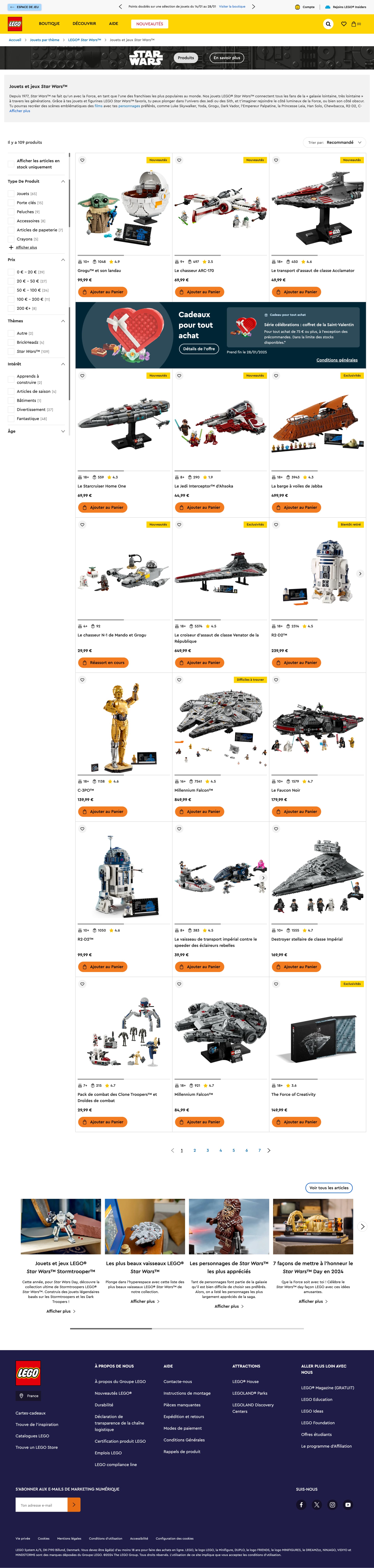
Shoppers browse by occasion and price bracket, not by your category tree. Agents find the groupings people actually search for, build a web page for each, and keep them working as your catalogue changes.
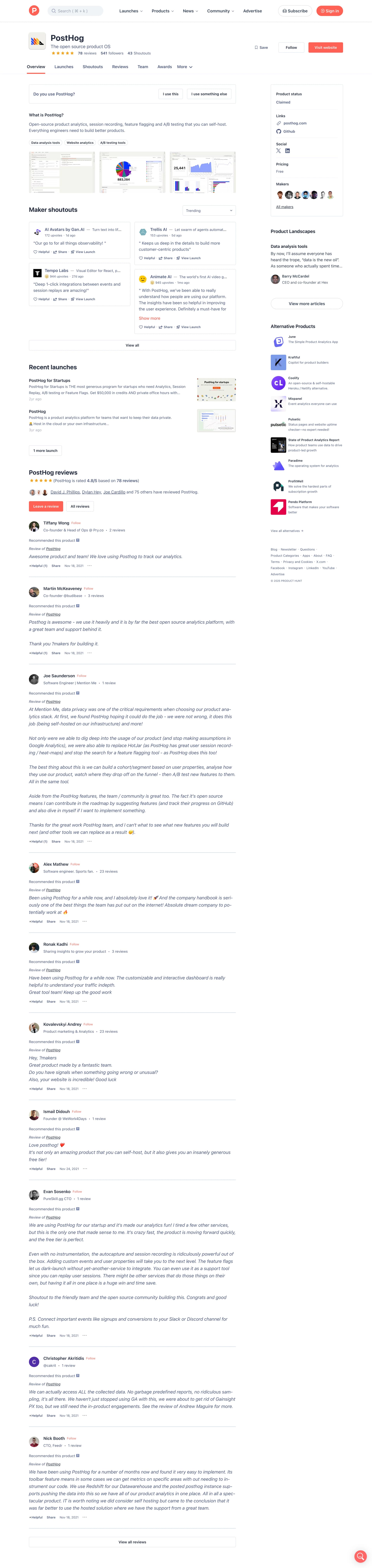
The money is in the specific searches: a brand, a size, a use case, a price bracket. Agents find the ones you already rank near and build the pages to capture them, instead of leaving that traffic to a marketplace.
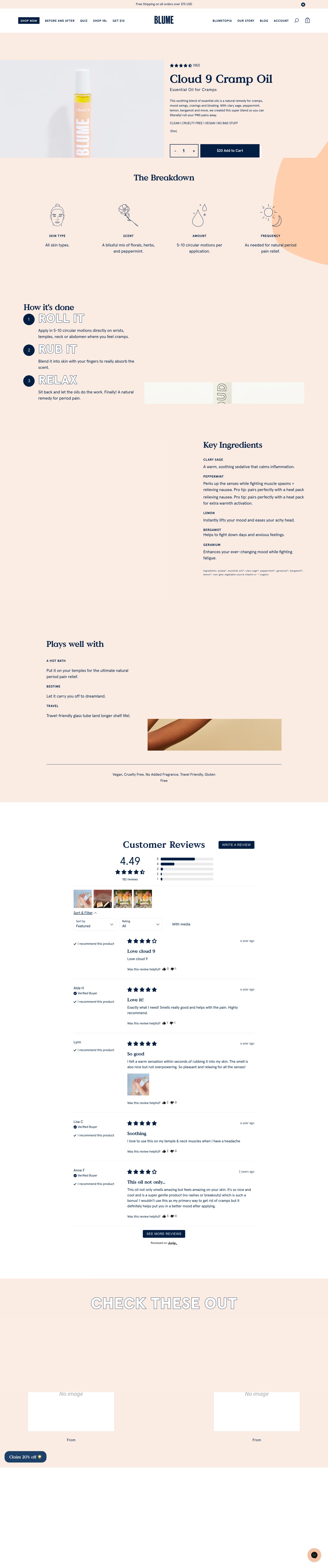
A large catalogue usually means hundreds of products sharing a supplier description. Agents write a real one for each from your own product data, and you review sample pages before any of it reaches your store.
Which parts of my store can agents edit?
Your web pages, your blog posts and your products. Agents read them, find the ones underperforming in search, and propose new titles, content and descriptions; on a product that means its page title, meta description and description. Product pages can also be generated in bulk when you approve a campaign. Choose Approval mode and every change waits for you; by default, changes that can be undone ship with one-click undo.
Can agents set canonical tags, noindex or schema markup?
Schema markup on products, yes: agents store it on the product and give you one short snippet to add to your product template once, shown right in the task. Until it is in place, a saved value is rechecked for up to 30 days and removed again if it never shows. From then on each change goes live and is checked on the live product page, and undoing one really removes it. Canonical tags and noindex, no: BigCommerce does not expose those through its store API, and neither does it offer a place for schema on pages or blog posts, so those changes come to you as written instructions. Tasks that cannot land are not proposed, so you will not see a queue of work that quietly cannot be done.
Can it rewrite the meta title on a blog post?
Not on blog posts, and it is worth knowing why. BigCommerce's blog API exposes a meta description but no separate meta title, so a post's search headline comes from its title. Web pages do have a proper meta title field, and agents set it there. If search headlines are your priority, that work lands on pages rather than posts.
Will editing a page publish it by accident?
No. Visibility is only chosen when SEOmatic creates something new. An edit to a page or product leaves the visibility flag out entirely, and on a blog post, where BigCommerce needs the flag on every update, SEOmatic reads the current state and sends it back unchanged. A hidden item stays hidden and a live one stays live.
What about image alt text?
Only inside your page content. BigCommerce's image endpoints do not accept alt text for product or blog images, so agents can fix the alt attributes on images inside the body of a page, and cannot touch the ones attached natively to a product. We would rather tell you that than let you assume it is covered.
What stops it doing the things other AI SEO tools get accused of?
Those complaints are specific, so the answers are too. It will not quietly replace copy you were happy with: you see the before and after, and one click puts it back. It cannot set your pages to noindex behind your back, because BigCommerce does not expose that. It will not strip anything if you disconnect. And it will not claw back its work if you cancel, because everything it wrote is ordinary content in your own store.
What if the agent makes a change I do not like?
Every edit stores the previous values before it writes, so a change goes back to what it was in one click. Choose Approval mode and you see each change before it is applied; in Assisted, the default, undoable fixes ship on their own with one-click undo, and pages you mark as protected keep waiting for your yes. One honest limit: restoring a field that was previously empty is handed to you rather than applied automatically, because BigCommerce treats an empty value as leave alone rather than clear.
What happens to the work if I cancel?
It stays yours. Agents publish into your own BigCommerce store, so the pages, posts and edits are simply part of it. Nothing reverts or disappears if you stop paying.
See what the agent would work on first. We ask AI search the questions your buyers ask, then show where you show up, who shows up instead, and what to fix first.
Free. No signup. Takes about a minute.
See what agents can do on the other platforms SEOmatic connects to.
Agents write your blog, build the collection and landing pages you are missing, and repair the pages that are slipping. You decide what goes live.

Agents fix titles, meta, content and schema on your live WordPress site. You stay in control. Every change to an existing page keeps a copy of the original, and one click puts it back.

Agents work through your CMS collections item by item, fixing the SEO nobody has time to maintain. You stay in control.

Agents write and refresh your posts, and set the canonical tags and schema most platforms will not let them touch. You decide what goes live.

Agents write and refresh your posts and pages, connected in one click with your Google account. You decide what goes live.

Agents write and refresh your Wix blog, and fix the meta on posts already published. You stay in control of what ships.